This post contains affiliate links. By purchasing through these links you are helping me keep The Homemaker's Cottage running with no added cost to you!
Welcome back to the blog. I’m so happy you’re here. Last time we were talking about resetting your finances for the new year. For this post, we’re going to talk about how to declutter our financial lives. I’m sure you’re wondering what in the world does that mean? It means that your physical and digital clutter tied to your finances doesn’t have to overwhelm you. Let’s dig deeper.

1 | Simplify Your Bills System
Since we’ve already reset the financial system we’re using, we’ve made a budget and have figured out where the budget is bleeding and fixed that already. Now it’s time to organize what’s left in the budget. We’re looking at incoming bills and receipts here, especially.
The first question we have to ask ourselves is, where do our bills come from? Do they come in the mail, or in your inbox? If they’re coming in the mail, then do we have a place for them? Whether that’s a basket, an envelope, or a filing area. Where can we drop those bills until we’re ready to deal with them? If we have a place to put those, we can set them down in the right spot until we’re ready to deal with them, which gives us less visual clutter.
If you receive your bills via email, how do you organize them? Is your inbox a mess (we’ll talk about that later on this year)? Or do you have it organized? My favorite way of organization is to use folders and sub-folders. I name the parent folder “Vendor” or “Bills”, and the sub-folders are the names of the vendors themselves, such as “ABC Gas” or “Brightside Electric Company”. You could also have a sub-folder called “This Month’s Bills”. Once the bills come into your inbox, you put the bills into the “This Month’s Bills” folder, and then when it’s time to manage the bills, you can open that folder. Once each bill is paid, you can move the bill into its appropriate folder.
Now that we’ve got our bills organized, as they come in each month, make sure everyone is listed in your budget. You may have missed some subscriptions that come in through email and text when you’re used to all of your bills coming in through the mail.
Once you’ve done that, you can make sure there are no unused subscriptions and use the auto-pay feature if you so choose. And if not, that’s okay too.
2 | Tame the Paper & Digital Chaos
Next, it’s time to really dig through that paper clutter. What do we really need to keep, and what can we toss? First off, I will say that if you do not want to keep each monthly bill in your inbox, you technically don’t have to. You can log on to the vendor’s website and find those items in your dashboard, but it’s always good to have an easy-to-find copy, in my opinion.
Apart from that, here is a list of all the things you need to keep:
- Receipts for large purchases (until return or warranty period ends)
- Utility bills (keep 1 year)
- Bank statements (keep 1 year or store digitally)
- Credit card statements (keep 1 year or store digitally)
- Tax returns (keep 3–7 years)
- W-2s and 1099s (keep 3–7 years)
- Receipts for tax deductions (keep 3–7 years)
- Lease or mortgage documents (keep while active and for a few years after)
- Home purchase and sale records (keep permanently)
- Insurance policies (keep current and previous year)
- Car title (keep until sold)
- Loan payoff records (keep for a few years after payoff)
- Vehicle maintenance records (keep while you own the vehicle)
- Birth certificates (keep permanently)
- Social Security cards (keep permanently)
- Marriage or divorce records (keep permanently)
- Wills and estate documents (keep permanently)
- List of financial accounts and subscriptions (keep updated)
File all these away until you don’t need them anymore, and
3 | Streamline Your Accounts
We’ll need to look at our online accounts as well. How many checking, savings, and other accounts do we have? In this day and age of technology, it often happens that we have so many apps, accounts, and logins that things can get lost in the fray. If possible, combine what you can, and make sure to find a way to keep passwords for everything, whether that’s a notebook or a website like LastPass (free).
We can also make a simple “money map” and write down where everything comes from (income), where it goes (accounts). (Some people split their paycheck into different accounts, etc.) And where it’s going from there (bills, savings, spending, etc.)
By doing this, we can make sure that we have a tight grip on all of the nickels and dimes that usually slip out of the cracks, we regain control of our money, and declutter all the unnecessary financial clutter.

Remember, this may be overwhelming to tackle at once, but progress is greater than perfection. Tackle one thing at a time or even one bill at a time. Working on it for 15 minutes a day or even a week is better than being overwhelmed by it all. Start with one thing today: sorting bills, taking note of all your accounts, or checking how many subscriptions there are. Start small, and it will be done soon.
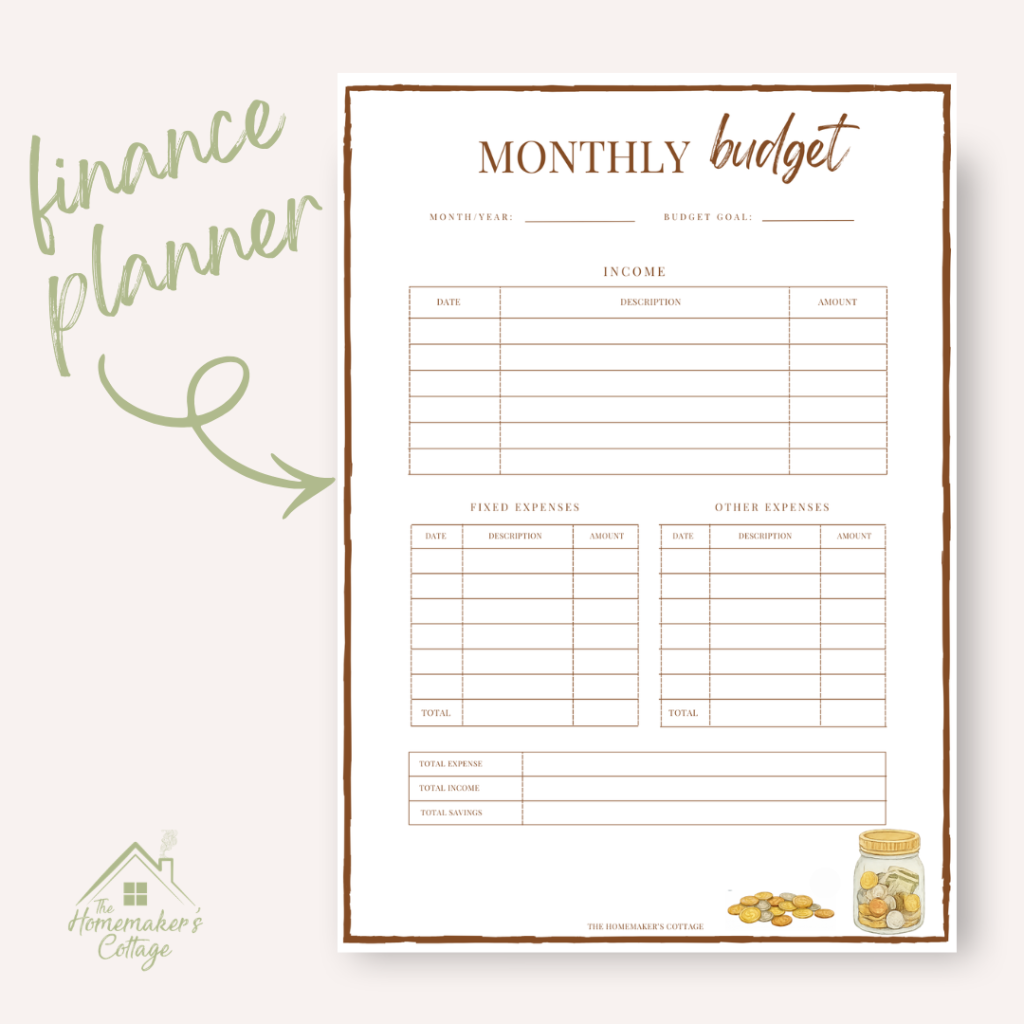
If you’re looking to change your financial story and need a place to start, check out our Free Printable Monthly Budget below! Click to download.


Hello! I'm Amanda Elizabeth, creator of The Homemaker's Cottage. As a homemaker I have constantly felt the pull between old fashioned homemaking and the fast paced world we live in today. So I created The Homemaker's Cottage: a stress-free space between the old in the new, where there is no judgement and we can learn that homemaking can be relevant, easy and even enjoyable.
Join me on this journey to serve God, your family, and begin homemaking from where you are.
Leave a Reply